How to set up daycare autopay (and get paid on time)
The CareCircle team ·
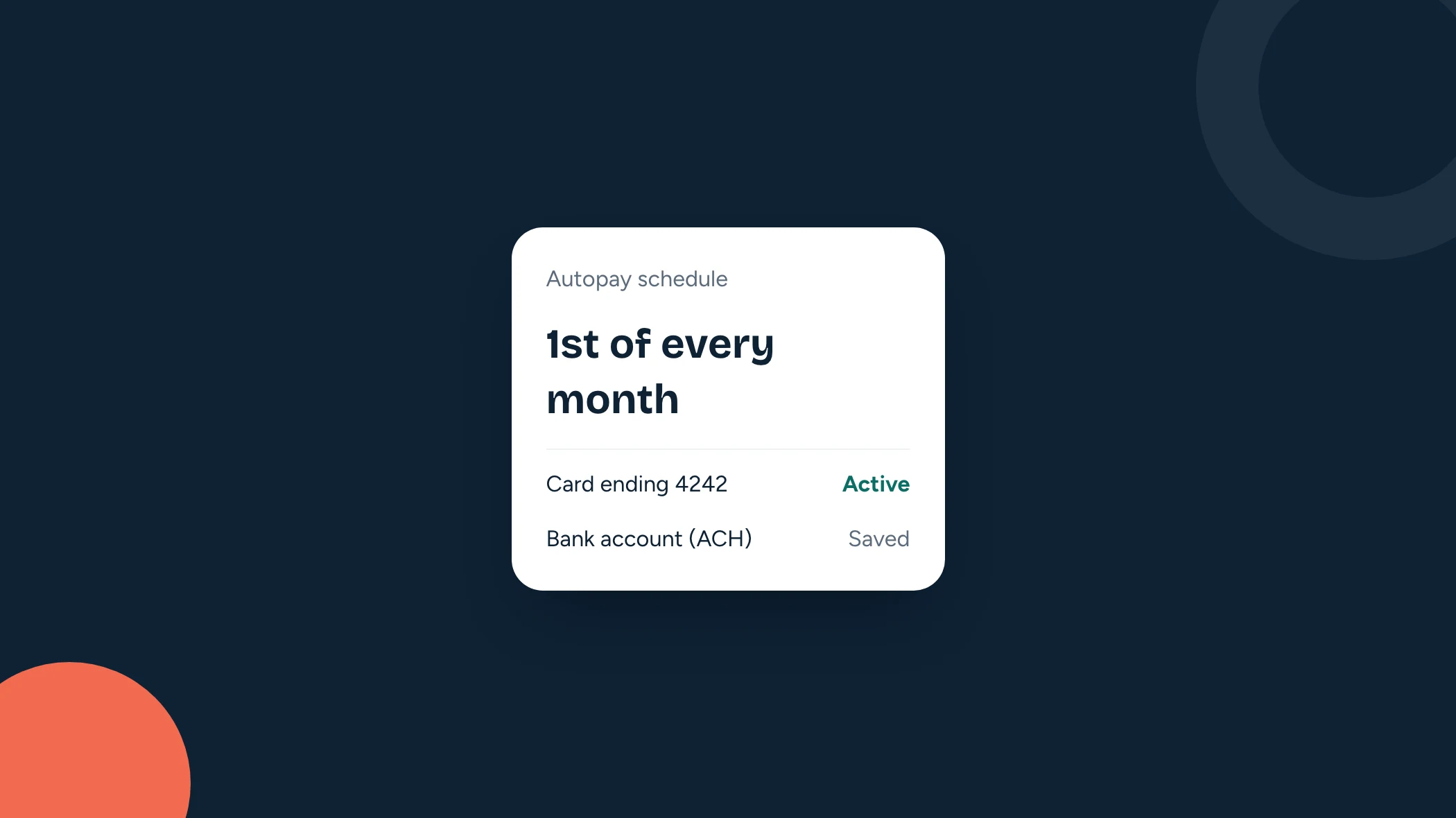
Chasing tuition is one of the least enjoyable parts of running a daycare. Autopay fixes most of it: families save a payment method once, and tuition is charged automatically on the due date. Here's how to set it up so it works for you and your families.
1. Write a simple payment policy first
Before you change anything, decide the rules and write them down. Families accept autopay more easily when the rules are clear and the same for everyone. Your policy should cover:
- When tuition is due: for example, the 1st of each month, or weekly on Mondays.
- What's charged up front: registration fees, deposits, the first month.
- Accepted payment methods: card, bank account, or both.
- What happens when a payment fails: how quickly the family must update their payment details, and any late fee.
- Refunds and withdrawals: notice periods and what's refundable.
2. Choose card, bank account, or both
Cards are familiar and confirm instantly, but processing fees are usually a percentage of the payment, which adds up on large tuition amounts. Bank account (ACH) payments usually cost much less to process, but take a few days to settle. Many daycares accept both and let families choose. Check your payment processor's current fees before you decide.
3. Use a processor that pays you directly
Pick a setup where tuition goes straight into your own merchant account (for example, your own Stripe account) and pays out to your bank. You keep control of your money, your payout schedule and your refunds, and you can see every transaction yourself.
4. Move families over in one go
Pick a start date, ideally the start of a billing cycle, and announce it a few weeks ahead. Send each family a link to add their payment method and agree to the payment policy. Most families will sign up within days. Follow up personally with the rest before the first charge.
New families are easier: make saving a payment method part of online enrollment, so every new child starts on autopay from day one.
5. Plan for failed payments
Some payments will fail: expired cards, insufficient funds, a closed bank account. What matters is noticing quickly and making it easy to fix:
- Get notified as soon as a payment fails, rather than finding out at month-end.
- Let the family update their card or bank account themselves, online.
- Retry the charge once they've updated it, or record it if they pay another way.
6. Give families a clear record
Autopay works best when families can always see what they've been charged and why. A portal with every invoice and payment cuts down on "what was this charge?" emails and makes year-end statements easy.
How CareCircle helps
CareCircle handles autopay end to end. Parents save a card or a US bank account (verified instantly) in your branded parent portal, and recurring tuition is charged automatically. Deposits, installments, sibling discounts and refunds are built in. Payments go straight to your own Stripe account, failed payments are flagged straight away, and parents can see every invoice and payment in their portal.
CareCircle is free for your first 20 children. See how billing works.
- Billing
Run enrollment and billing in one place
CareCircle is free for your first 20 children. No setup fees, no contracts.
Comments
Leave a comment